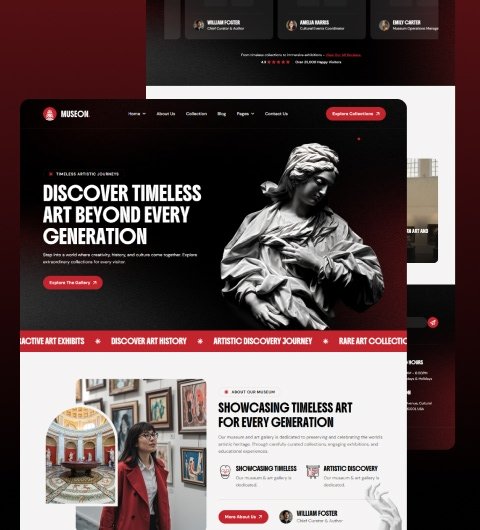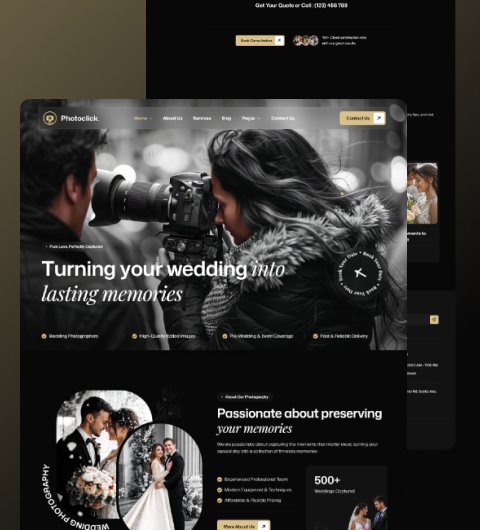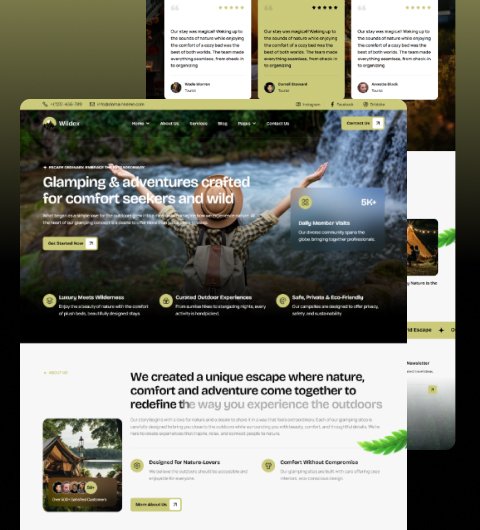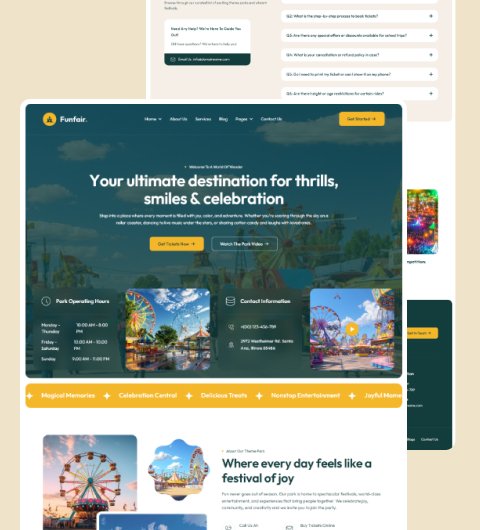
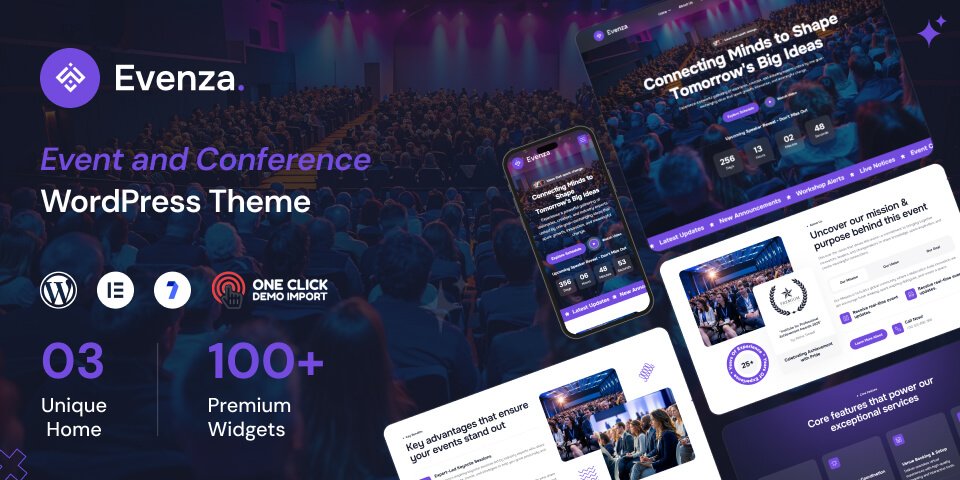
Evenza is a modern and professionally designed conference website template created for event organizers, conference planners, business professionals, and event management companies. It provides a complete website solution for promoting conferences, seminars, workshops, exhibitions, business summits, and corporate gatherings. With its event-focused design and carefully structured page layouts, Evenza helps you present important event information in an organized and engaging way.
Built with Elementor compatibility, Evenza makes website customization simple, even if you have limited technical knowledge. It includes three professionally designed homepage layouts, ready-made inner pages, event schedules, speaker profiles, pricing sections, testimonials, and image galleries. Whether you are promoting a single business conference or organizing multiple professional events, this theme gives you the flexibility to create a website that reflects your event identity.
If you want a professional online presence without building every page from scratch, Evenza offers a practical starting point. Its responsive layouts, one-click demo import, and customizable design elements make it easier to create an informative website that encourages visitors to explore your event and get in touch.
Who Is Evenza Built For?
Evenza is a versatile conference website template designed around the needs of people and businesses that organize professional and social events. Instead of using a generic business layout, it provides dedicated sections for presenting event information, introducing speakers, displaying schedules, and sharing ticket pricing.
It is particularly suitable for:
- Conference Organizers: Promote upcoming conferences, share event agendas, introduce speakers, and provide essential information to attendees.
- Event Management Companies: Build professional websites to present different events and demonstrate your event planning services.
- Business Summit Organizers: Highlight industry discussions, keynote sessions, business leaders, and networking opportunities.
- Seminar and Workshop Organizers: Share session details, trainer information, event schedules, and registration inquiries.
- Corporate Event Planners: Present company gatherings, product launches, professional meetings, and corporate celebrations.
- Webinar and Networking Organizers: Publish event information, introduce participants, and communicate important session details.
- Exhibition and Trade Show Organizers: Showcase exhibition information, event highlights, galleries, and participating organizations.
- Festival and Meetup Organizers: Promote upcoming gatherings and help visitors discover the activities and experiences planned for the event.
Everything You Need to Launch a Professional Conference Website
Professionally Designed Homepage Layouts
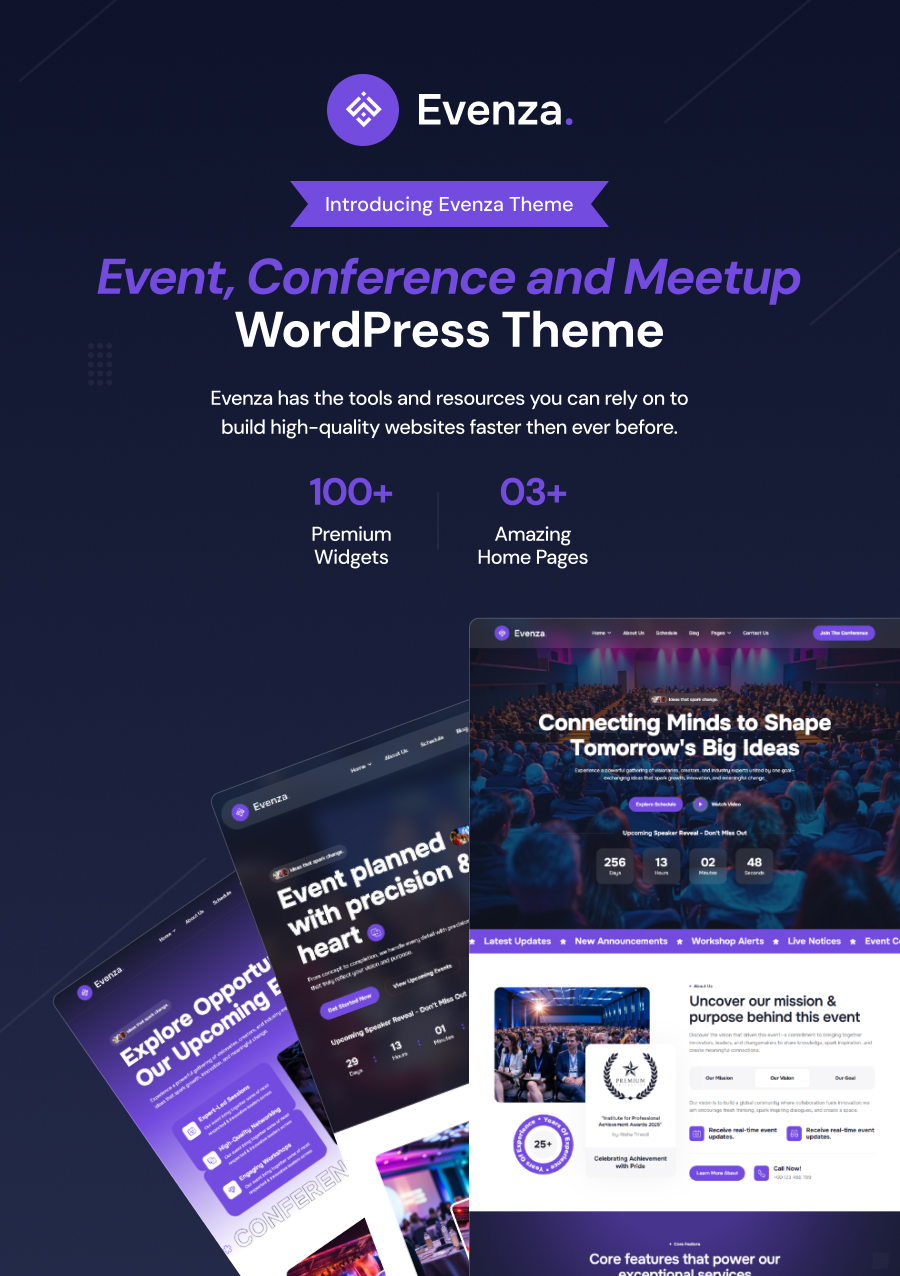
Your homepage is often the first place visitors explore when they discover an event. Evenza includes three professionally designed homepage layouts that give you different ways to introduce your conference and highlight its important details.
You can present the event introduction, upcoming sessions, featured speakers, pricing information, testimonials, and other relevant content in a structured layout. Choose a design that matches your event’s identity and customize its content to create a memorable first impression.
Elementor Drag-and-Drop Customization
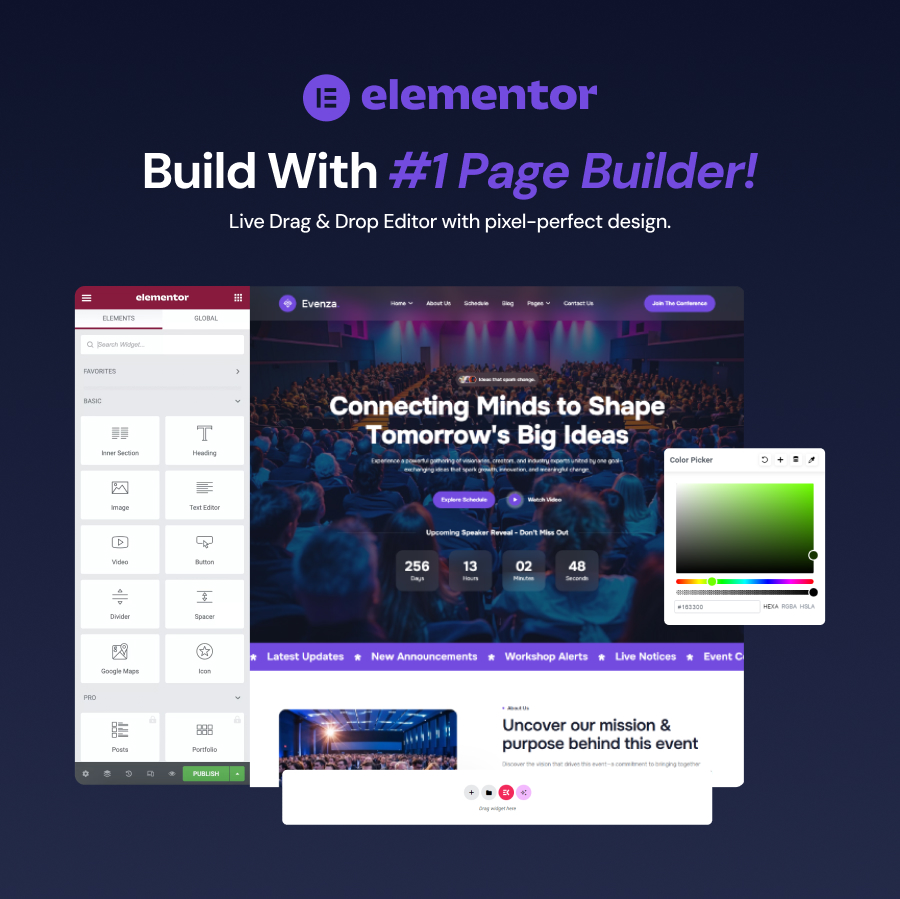
Evenza works with Elementor, allowing you to edit website pages through a visual drag-and-drop interface. You can change text, replace images, rearrange sections, and adjust page layouts without manually editing code.
This flexibility makes the conference website template useful for organizers who want control over their website presentation without depending on a developer for every small content update.
One-Click Demo Import
Getting started with a new website can take considerable time when every page needs to be created individually. Evenza includes one-click demo import functionality that helps you bring in the ready-made website structure.
After importing the demo, you can replace the sample content with your event name, dates, descriptions, speaker information, and images. This gives you a more convenient starting point for building your website.
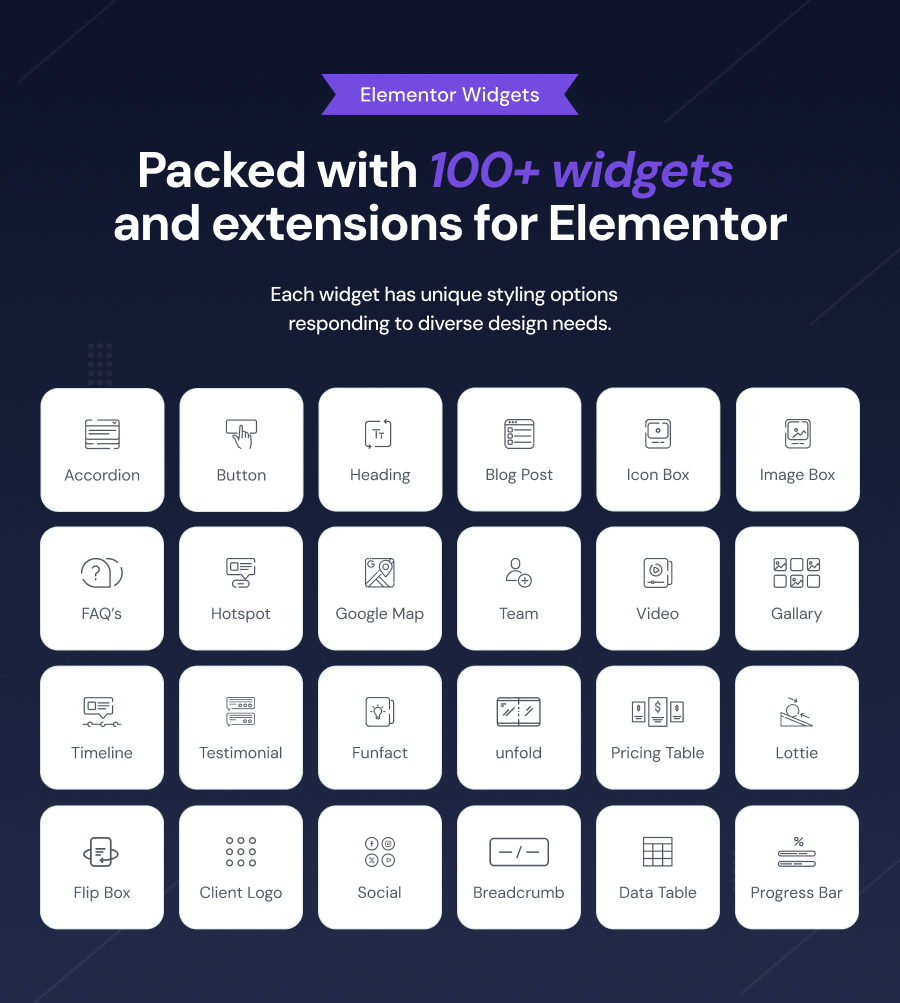
100+ Elementor Widgets & Extensions
Evenza bundles include 100+ dedicated Elementor widgets and extensions, so you can easily design additional pages and sections without leaving the Elementor editor or touching code.
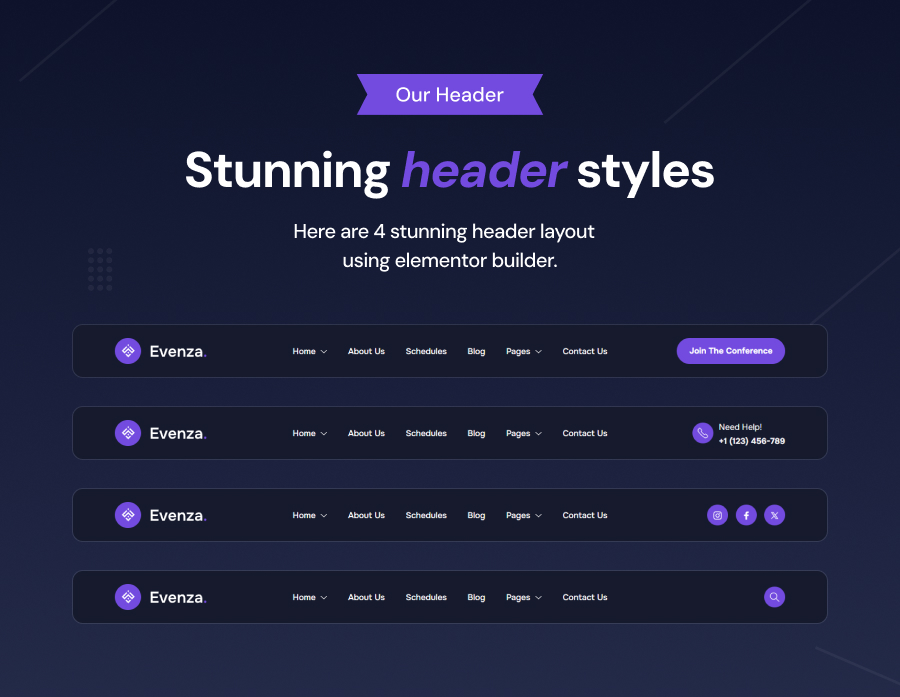
Stunning Header Styles
Evenza features a professionally designed header that creates a strong first impression for your event website. Easily customize your logo, navigation menu, colors, and layout using Elementor. Keep your website navigation simple, highlight important event details, and help visitors explore your conference website effortlessly without any coding.
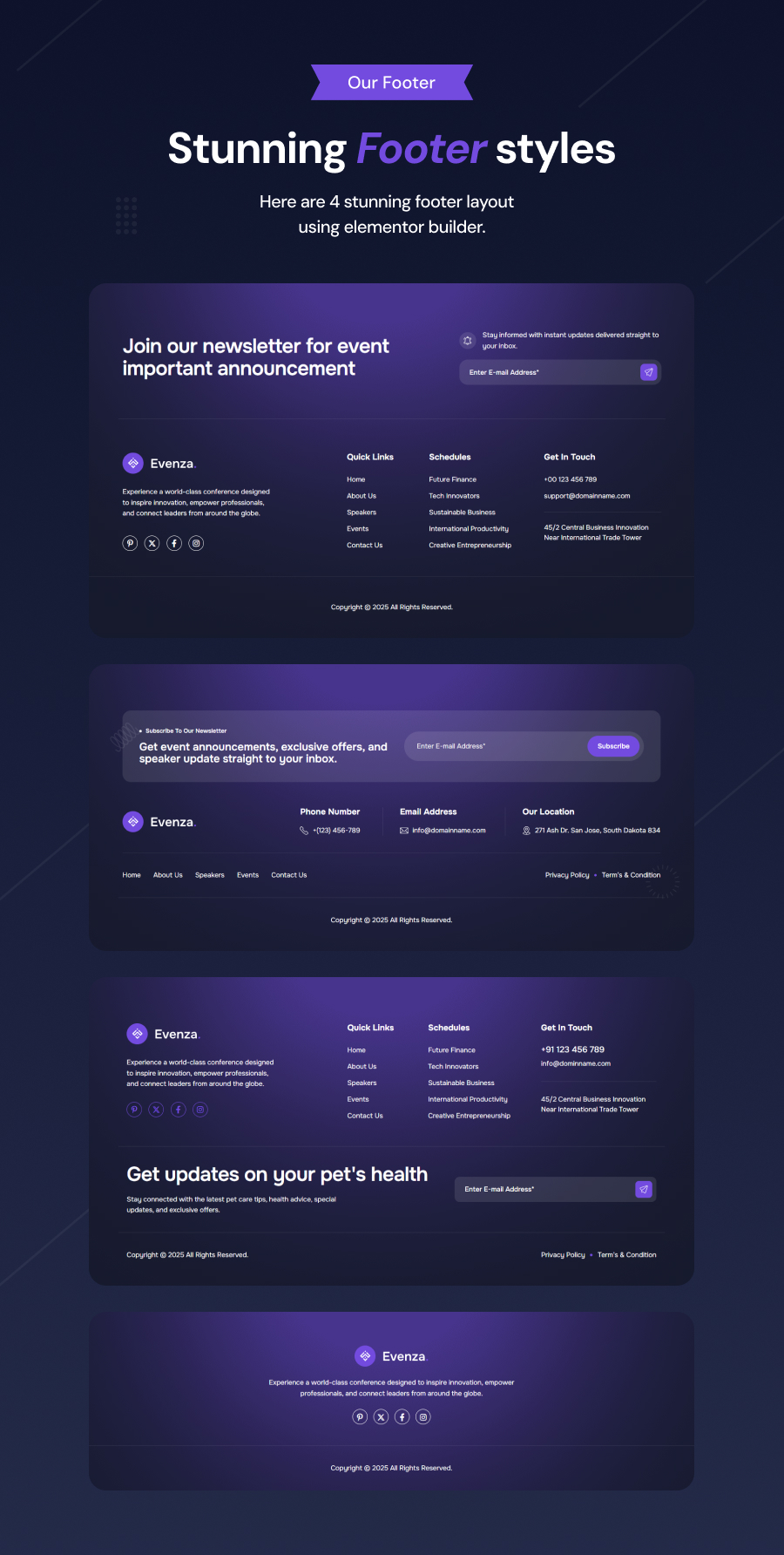
Stunning Footer Styles
Evenza features a professionally designed footer that gives your conference website a polished and complete look. Easily showcase important information such as contact details, quick links, event details, social media icons, and more. Customize the footer content, colors, and layout using Elementor to match your event branding and help visitors quickly find everything they need without writing any code.
Testimonials and Image Gallery
Testimonials and event photographs can help visitors understand the experience associated with your conference. Evenza includes dedicated testimonial and image gallery pages for presenting feedback and visual highlights.
Use these sections to share genuine attendee experiences and photographs from relevant events, helping potential participants learn more about your event environment.
Contact Forms and Inquiry Sections
Visitors may have questions about schedules, tickets, participation, or event arrangements. Evenza includes a contact page and supports Contact Form 7, allowing you to provide an accessible way for visitors to send inquiries.
Key Features of Evenza
Evenza combines event-focused page layouts with practical customization options to make website creation more convenient.
- Modern and Responsive Design: A clean visual presentation helps your event information look professional across different screen sizes.
- Elementor Page Builder Compatibility: Edit page content and layouts using a visual drag-and-drop editor without writing code.
- Multiple Homepage Layouts: Choose from three professionally designed homepage variations to suit your event presentation.
- One-Click Demo Import: Start with ready-made demo content instead of building the entire website structure manually.
- Customizable Header and Footer: Adjust these important website areas to reflect your event branding and navigation requirements.
- Global Typography and Color Controls: Maintain consistent website styling by managing fonts and colors through global design settings.
- Mobile-Friendly Layout: Responsive page layouts help visitors browse event information using smartphones, tablets, and desktop computers.
- SEO-Friendly Structure: Organized page content and clear headings provide a useful foundation for implementing your website’s SEO strategy.
- Blog and Content Publishing: Use the included blog and blog detail pages to publish event announcements, updates, news, and related articles.
- Contact Form 7 Compatibility: Provide visitors with contact and inquiry forms for communicating with your event team.
- WPML Compatibility: Build a multilingual website with the help of WPML compatibility when you need to communicate with audiences using different languages.
- Regular Updates and Customer Support: Access theme updates, documentation, and customer support to help maintain your website.
Why Choose Evenza for Your Next Conference Website?
Choosing the right conference website template can make a noticeable difference in how effectively you communicate your event information. A generic business website may require additional work to create dedicated sections for schedules, speakers, ticket pricing, and event highlights.
Evenza brings these important elements together through an event-focused website structure. You can introduce your conference, publish its agenda, highlight speakers, display pricing options, and provide contact information without starting every page from an empty layout.
Another advantage is its customization flexibility. With Elementor compatibility, you can adjust page content and visual elements to match your event branding. The three homepage layouts also give you a choice of presentation styles, making it easier to create a website that suits different event requirements.
The ready-made pages and demo import functionality can reduce the initial website setup work. Instead of spending time planning every section, you can begin with an existing structure and focus on adding accurate event information.
For organizers who need a professional, informative, and customizable event website, Evenza offers a convenient solution.
Perfect for Different Types of Events
Business Conferences
Promote professional gatherings, industry discussions, and business leadership events. Present keynote speakers, conference schedules, pricing details, and important announcements in one organized place.
Corporate Events
Use Evenza to introduce company celebrations, corporate meetings, product launches, and business gatherings. Customize the homepage to reflect your organization’s identity and event objectives.
Seminars and Workshops
Share seminar topics, workshop schedules, trainer information, and participation details. Dedicated schedule and speaker pages make it easier to organize information for visitors.
Technology Conferences
Present technology events, industry discussions, and innovation-focused gatherings. Highlight speakers, session topics, and event photographs to give visitors a clearer picture of the conference.
Networking Events
Create a professional event website that introduces the gathering and communicates its purpose. Use relevant content sections to highlight participating professionals and event activities.
Exhibitions and Trade Shows
Promote exhibitions, expos, and trade shows with dedicated information about the event, its highlights, and participating organizations. The image gallery can help communicate the visual experience.
Webinars and Training Events
Present training programs, webinar details, speaker information, and session schedules. Visitors can explore the available information before contacting your team.
Festivals and Special Events
Adapt the conference website template for festivals, meetups, and special gatherings. Customize the visual presentation to match the theme, audience, and atmosphere of your event.
Design and Customization – Event Website Template
Your event website should communicate the identity of your conference while making important information easy to explore. Evenza provides a flexible design foundation that you can adapt to different event requirements.
With Elementor, you can edit the content and arrangement of your pages through a visual interface. Update headings, descriptions, images, and other page sections to reflect your event details. You can also adjust the overall presentation to create a consistent experience across your website.
Global typography and color controls help you maintain visual consistency. Choose suitable fonts and brand colors for headings, buttons, and other design elements. Customizable header and footer sections provide additional flexibility for organizing navigation, branding, and relevant website information.
The responsive layout helps your pages adapt to different screen sizes. This is particularly important for event visitors who may check schedules, speaker information, and other details while using their smartphones.
Whether you need a detailed event website template for a multi-day conference or a focused conference landing page template for promoting a particular gathering, Evenza provides layouts that you can customize around your goals.
Evenza vs. a Generic WordPress Theme
A general-purpose WordPress theme may require considerable customization before it can properly present conference information. Evenza offers a more event-oriented starting point with relevant page layouts and built-in design sections.
| Features | Evenza WordPress Theme | Generic WordPress Theme |
|---|---|---|
| Event-focused design | ✅ Yes | ⚠️ Depends on the theme |
| Ready-made homepage layouts | ✅3 layouts | ⚠️ Varies |
| Schedule and agenda pages | ✅Included | ❌ May require manual creation |
| Speaker profile layouts | ✅Included | ❌ May require manual creation |
| Ticket pricing sections | ✅Included | ⚠️ Depends on the theme |
| Elementor compatibility | ✅ Yes | ⚠️ Varies |
| Mobile responsiveness | ✅ Yes | ⚠️ Varies |
| Customization options | ✅ Elementor and global design controls | ⚠️ Depends on the theme |
| One-click demo import | ✅ Yes | ⚠️ Varies |
| Event-specific page layouts | ✅Included | ❌ May require additional work |
How to Build a Conference Website with Evenza
Creating your event website does not have to be complicated. Follow these four steps to get started.
| Step 1: Install and Activate Evenza Purchase and download the theme, then upload it to your WordPress website. Install and activate Evenza through your WordPress dashboard. |
| Step 2: Import the Ready-Made Demo Use the one-click demo import option to bring in the pre-designed website structure. Select the layout that best matches your event presentation and use it as your starting point. |
| Step 3: Customize Your Website Using Elementor Replace the demo text and images with your event information. Add speaker details, update schedules, organize pricing information, and adjust colors and typography to match your branding. |
| Step 4: Publish Your Conference Website Review the website pages and check that your event information is accurate. Once your content and design are ready, publish the website and share it with your intended audience. |
Support and Updates
Building and maintaining a website becomes easier when you have access to proper documentation and support. Evenza includes theme documentation to help you understand its setup and available features.
The purchase includes six months of customer support, providing assistance when you need help with theme-related questions. You also receive lifetime theme updates, helping you keep your website’s theme updated over time.
If you need help with installation, demo setup, or theme-related customization questions, you can refer to the documentation or contact the Awaiken support team.
You must log in and be a buyer of this download to submit a review.