There’s a moment every website owner eventually hits.
You’ve spent days getting your WordPress site to look exactly the way you wanted. The homepage feels right. The about page tells your story. The services section shows off what you do. You’re proud of it. You should be.
And then someone visits your site, likes what they see, and wants to get in touch, and there’s no easy way for them to do that.
That moment is frustrating for the visitor. And when you realize it’s happening, it’s frustrating for you too. Because that could have been a client. A business opportunity that just quietly walked away because reaching you felt like too much effort.
That’s exactly why so many site owners start searching for the best contact form plugins WordPress has to offer because they’ve lived that moment and they never want it to happen again. A simple, well-placed contact form changes everything. It keeps the door open between you and every single person who lands on your site and feels ready to take that next step.
This is exactly why a contact form isn’t optional. It’s a basic, non-negotiable part of any website that takes itself seriously. And for WordPress users, there are more choices than ever. The hard part isn’t finding a plugin, the hard part is figuring out which one actually fits your situation.
That’s what this post is here to help with.
Why Dropping Your Email Address on a Page Is Never Enough
A lot of people, especially when building their first site, think they can just drop their email address on a contact page and call it done. Technically, that works. But here’s what actually happens.
The moment your email is visible as plain text on a public webpage, bots find it. These automated programs crawl websites constantly, harvesting email addresses for spam lists. Within days, you start getting junk mail. It builds fast and never really stops.
Beyond spam, a plain email link gives you zero structure. People send three words. No context. No phone number. No project details. You end up sending multiple follow-up emails just to collect basic information, wasting time for both sides.
A proper wordpress contact form plugin solves all of this at once. It protects your real email address, collects the right information upfront, filters out spam, and presents a professional first impression to everyone who reaches out. That combination matters more than most people realize.
Now, let’s get into the actual plugins worth your time in 2026.
Top 10 Best Contact Form Plugins for WordPress in 2026
1. WPForms: The Easiest Starting Point for Most People
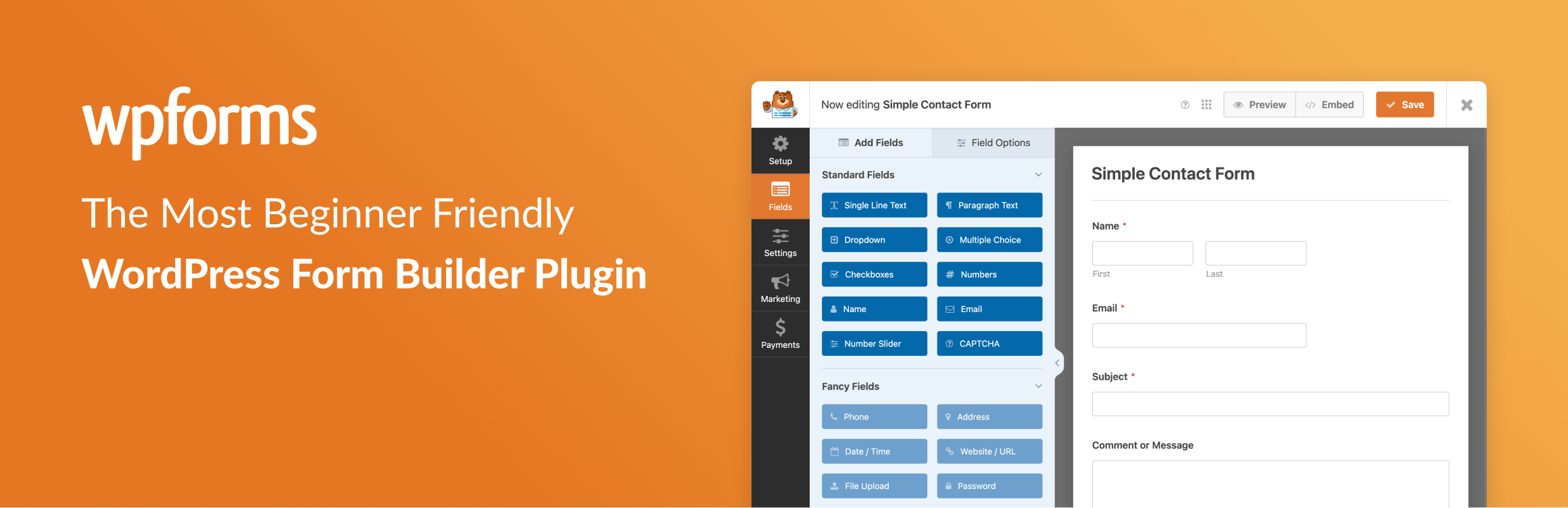
If you’ve never used a contact form plugin before and just want something working today without reading documentation, WPForms is the answer. The drag-and-drop builder is genuinely one of the smoothest experiences in the WordPress ecosystem. You drag fields into place, watch the live preview update in real time, and you’re done. Most people have their first form published in under ten minutes.
The free version of WPForms Lite handles standard contact forms perfectly well. Name, email, message, submit button. Everything a basic “get in touch” form needs. When you eventually grow into more complex requirements like payment collection, multi-page forms, or conditional logic, the paid plans unlock all of that.
My honest advice? Install the free version first, use it for a while, and only consider upgrading when you actually hit a limitation. Plenty of websites run WPForms Lite forever and never need anything more.
Best for: Beginners, bloggers, and small business owners who want results fast without any technical background.
2. Contact Form 7: The Classic That Still Holds Up

Contact Form 7 is the most downloaded contact form plugin in the WordPress plugin directory by a significant margin. It has been for years. And it is completely, permanently free.
It works differently from drag-and-drop builders. You use a simple tag-based system where the plugin generates short field codes that you drop into a form editor. It sounds more complicated than it actually is. Most people understand it within twenty minutes of trying it.
What you get in return is a plugin that is incredibly lightweight, endlessly flexible, and backed by a massive community. Every unusual use case has probably already been solved somewhere in a forum thread or tutorial.
Spam protection works well when properly configured. The captcha plugin WordPress Contact Form 7 setup using Google reCAPTCHA takes about five minutes to activate and effectively stops bots from flooding your inbox. For anyone searching for the best free contact form plugin wordpress can offer without ever spending a dollar, Contact Form 7 belongs at the very top of the conversation.
Best for: Users comfortable with a small learning curve who want a proven, lightweight, completely free tool built for the long haul.
3. Gravity Forms: When Your Forms Need to Do Real Work
Gravity Forms is a paid plugin. Let’s be upfront about that. And if you’re running a simple personal blog or a basic business page, you probably don’t need it.
But if your forms are actually doing serious work powering job applications, multi-step quote requests, survey scoring, payment processing, or automatic user registration, Gravity Forms is in a completely different league from most other options.
Its conditional logic is among the most powerful available. Its integrations cover dozens of platforms, including Stripe, PayPal, Zapier, HubSpot, Mailchimp, and Salesforce. Its developer API is so well-built that agencies often choose it as the best plugin for contact form in wordpress, specifically because they can extend and customize it however a client project demands.
The price is real. But for the right use case, it stops being a cost and starts being an investment that pays for itself quickly.
Best for: Developers, digital agencies, and businesses whose forms are doing complex, revenue-generating work.
4. Ninja Forms: Pay Only for What You Actually Need
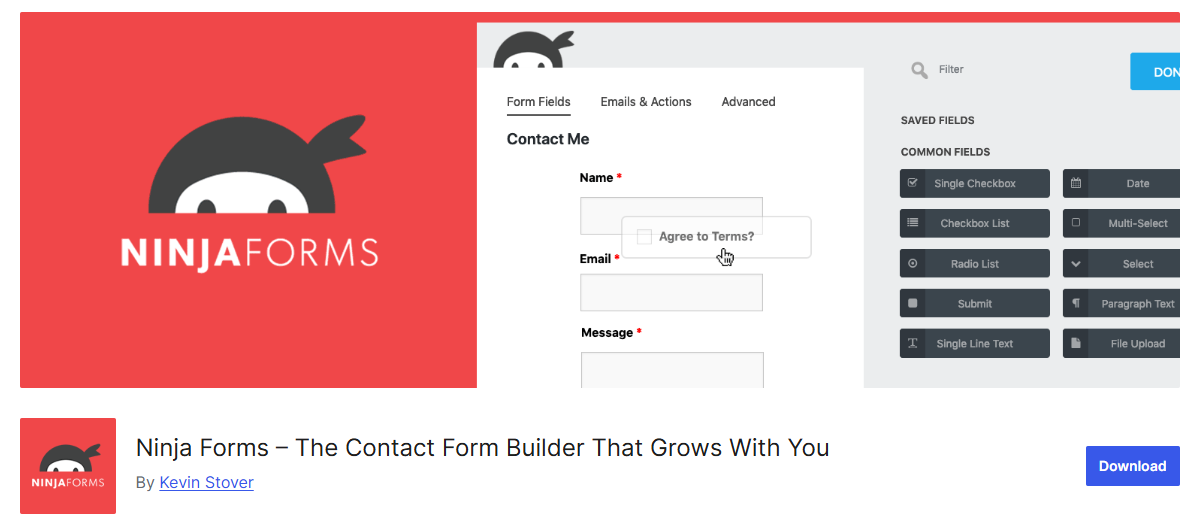
What sets Ninja Forms apart is its pricing philosophy, and it’s genuinely the right approach. The core plugin is free and gives you a fully functional drag-and-drop builder. Then, individual add-ons are available for purchase, only the specific ones your site actually needs.
Want Mailchimp integration? Buy that add-on. Need Stripe payments? That’s available separately. Conditional logic? Same approach. You build exactly the feature set your site requires without paying for anything else sitting unused in your dashboard.
As a result, Ninja Forms remains one of the best contact form plugins WordPress users consistently return to. More importantly, it offers an unusually practical solution for websites that are growing and evolving over time. Instead of locking you into an expensive pricing tier from the very beginning, it allows you to start with what you need and expand later. In other words, your capabilities increase as your actual requirements grow. At the same time, your spending stays aligned with that progress, making it a flexible and cost-effective choice for businesses, bloggers, and developers alike.
Best for: Growing websites that want to start simple and add specific features gradually without committing to a full premium plan upfront.
5. Formidable Forms: The Most Ambitious Option Here
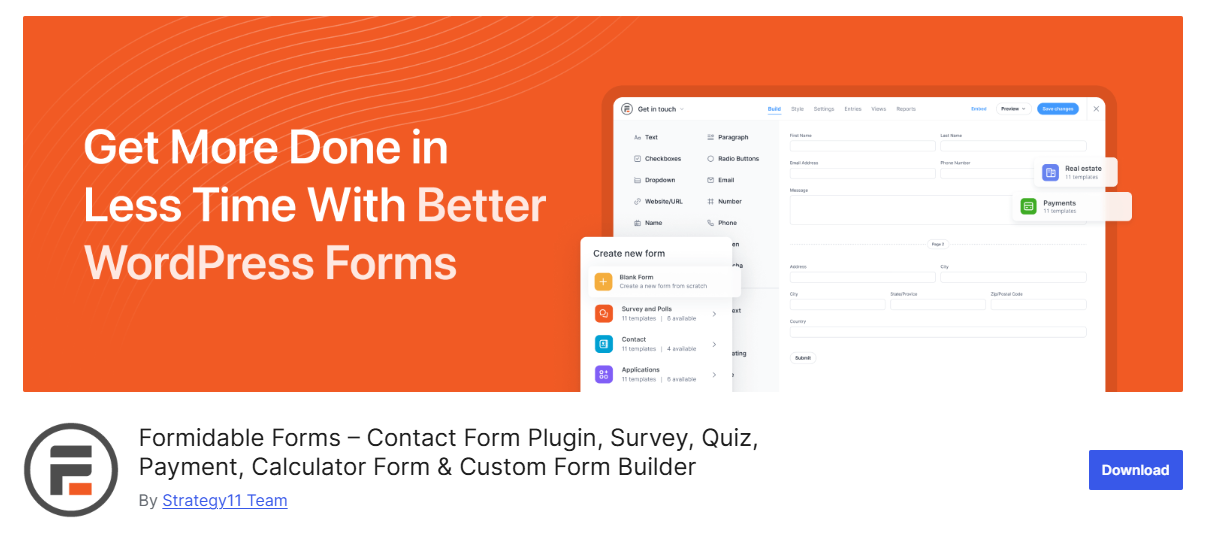
Every other plugin on this list collects form data and sends it to your email. Formidable Forms does that too, but it also opens a door that most people don’t even realize exists.
With Formidable Forms, for example, you can take submitted data and display it back on your website in dynamic and highly useful ways. For instance, when a user submits income and expense figures, your site can instantly show a calculated budget breakdown. Likewise, when a business fills out a submission form, that entry can automatically appear in a searchable public directory. Similarly, if someone completes a real estate calculator, the results can be displayed on screen in real time. As a result, Formidable Forms becomes far more than a basic form builder it turns user input into interactive, data-driven website functionality.
This is the plugin that turns WordPress from a static website into something genuinely interactive. Nothing else in the best plugin for contact form in wordpress category handles this as comprehensively.
If your site purely needs a simple contact form, Formidable might be more than necessary. But if you’ve ever thought about calculators, directories, or submission-based listings, this is the tool built exactly for that.
Best for: Websites that want to display and work with collected data publicly not just receive it passively in an inbox.
6. Fluent Forms: Fast, Light, and Surprisingly Capable
Page speed matters more than it ever has. Google ranks faster websites higher. Mobile users abandon slow pages within seconds. And some form plugins load surprising amounts of extra code on every page even pages that don’t have a form on them.
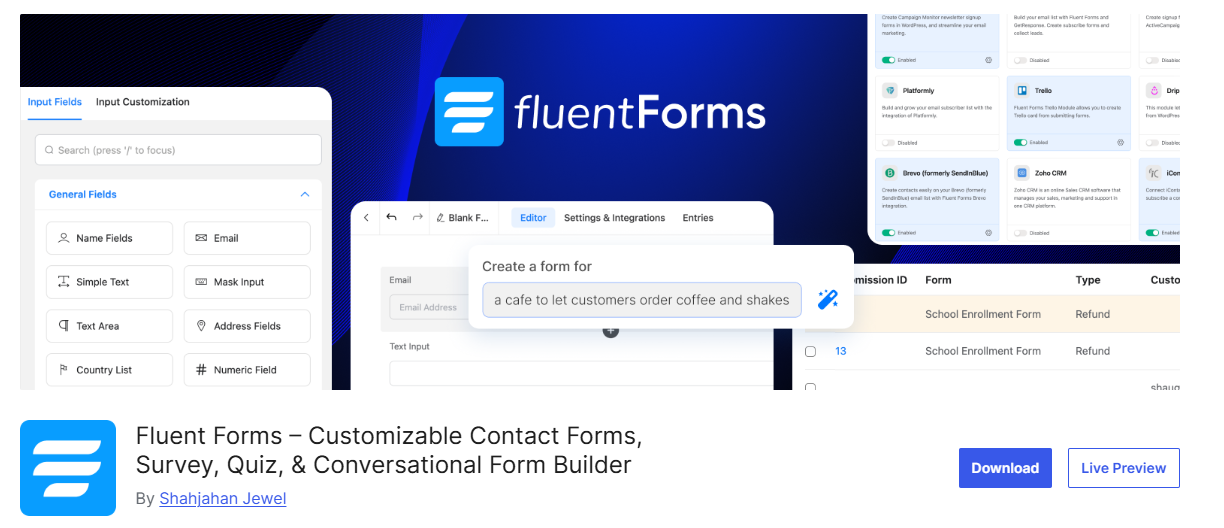
Fluent Forms was built by people who clearly care about this. It is one of the most lightweight options available, adding minimal overhead to your pages with a noticeably small impact on load times compared to heavier alternatives.
What makes it impressive is that lightness doesn’t mean stripped-down. Even the free version includes over 25 field types, conditional logic, multi-column layouts, spam protection, and clean email notifications. That’s a feature set that competes with paid tiers from other plugins while remaining completely free. If you obsess over Core Web Vitals and site performance, Fluent Forms deserves serious consideration.
Best for: Performance-focused websites and anyone who refuses to sacrifice site speed for functionality.
7. HappyForms: Build It and See It at the Same Time
The annoying part of building forms is the constant back-and-forth. Add a field, switch to preview, check it, go back, adjust, repeat. It gets old fast.
HappyForms fixes this by putting the entire form builder inside the WordPress Customizer, in the same place where you tweak your site’s colors and fonts. As you add fields and adjust settings, your actual form updates in real time right there beside the editor. No tab switching. No guessing. What you see is exactly what your visitors will see.
It sounds like a small thing until you’ve experienced it. Then, going back to the old way feels unnecessarily clunky. The forms look clean and professional by default, setup is quick, and the overall building experience is among the most pleasant on this entire list.
Best for: Visual thinkers and designers who want to see their form taking shape in real time while they build it.
8. Everest Forms are quiet, Reliable, and always deliver
Not every plugin needs to be exciting. Some tools just need to work, look good, and not cause problems. Everest Forms is exactly that kind of plugin.
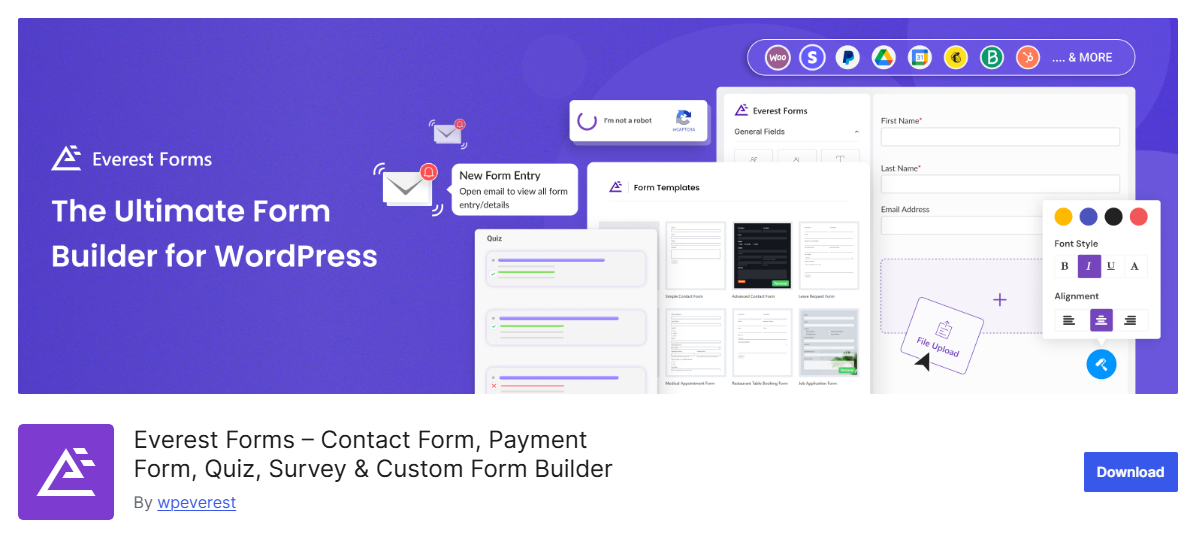
Clean drag-and-drop builder. Useful starter templates. A settings panel that doesn’t overwhelm you with options you don’t understand. The free version handles standard contact forms well. The premium version adds payment integration and PDF submissions for those who need them.
No unnecessary complexity. No features that make you wonder what they actually do. Just a solid, consistently updated plugin that does what it promises every single time. For a large percentage of websites, that quiet reliability is exactly what they need.
Best for: Small businesses and freelancers who want dependable forms without bells and whistles they’ll never actually use.
9. weForms: Built for People Who Value Their Time
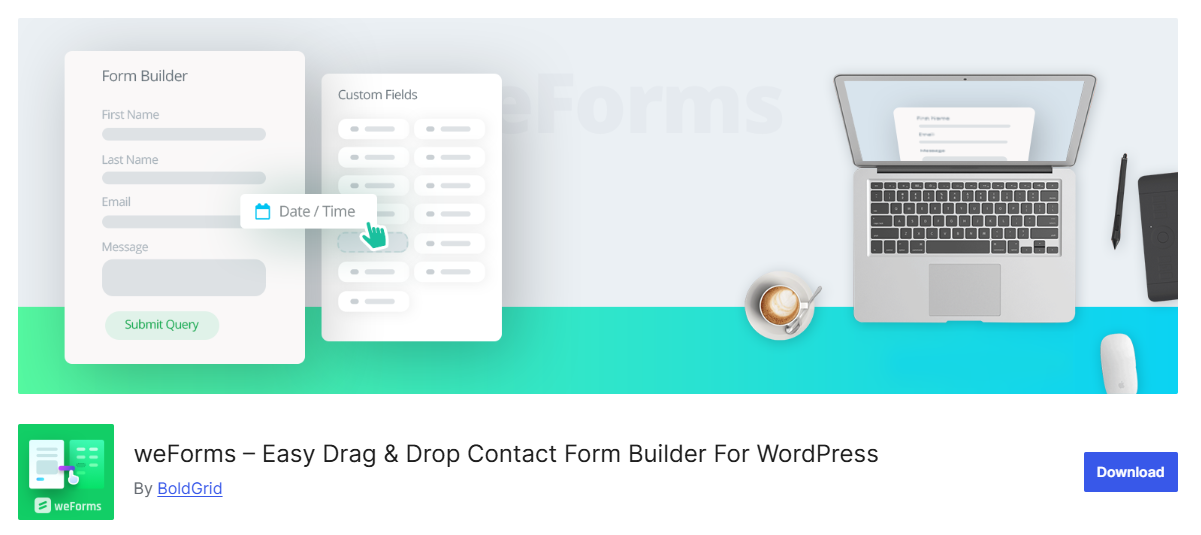
WeForms knows what it is and does it well. The entire admin interface is a single-page AJAX application, meaning everything happens instantly without page reloads. You open the editor, build your form, and every action just happens immediately. No loading screens. No waiting between steps.
For straightforward contact forms, name, email, message, and submit, weForms is one of the quickest setups you’ll find anywhere. Install it, build it, done. If your needs are basic and your time is genuinely limited, that speed and simplicity is worth more than a hundred features you’ll never touch.
Best for: Busy site owners who want a working contact form set up as fast as humanly possible.
10. Jetpack Forms: The Hidden Option Already Sitting on Your Site

If Jetpack is already installed on your WordPress website and many sites use it for security, performance, or statistics, you might already have a functional contact form builder sitting right there, completely unused.
Jetpack’s built-in form feature is simple, clean, and integrates naturally with everything else the plugin does. It doesn’t require installing anything new. It doesn’t add another item to your plugin dashboard. For a basic contact form on a personal site or small business page, it handles the job without any fuss.
The feature set is modest, with no conditional logic and no payment integrations. But modest is often exactly what a simple site needs.
Best for: Existing Jetpack users who want to keep their plugin count low while still having a proper contact form.
Things Worth Checking Before You Decide
A few practical considerations before you install anything:
Spam protection first. Even low-traffic sites get bot submissions. Make sure your plugin supports CAPTCHA, honeypot fields, or Akismet integration before you go live.
Email deliverability matters. WordPress’s default mail system is unreliable. Pair any form plugin with WP Mail SMTP to make sure notifications actually reach your inbox every time.
Think ahead, not just today. Switching from plugins later means rebuilding every form from scratch. Choose something that can grow alongside your site.
Test your page speed. Run GTmetrix or Google PageSpeed Insights before and after installing. A good plugin shouldn’t meaningfully hurt your scores.
One More Thing Worth Mentioning
Even the best contact form won’t get filled out if your website doesn’t look trustworthy. People make instant judgments about credibility based on design alone. If you’re planning a site refresh, investing in premium WordPress templates built around clean layouts and conversion-friendly design makes a real difference. And if you’re working outside WordPress entirely, quality premium HTML templates come with professionally designed contact sections already styled and ready to connect to any form solution.
Conclusion
The best contact form plugin for wordpress depends entirely on your situation. Just starting out? Contact Form 7 or WPForms Lite covers everything you need for free. Running a business with real form requirements? Gravity Forms or Formidable Forms are worth every penny. Obsessed with site speed? Fluent Forms is where you should start.
Whatever you choose, stop overthinking and start with a free version. Install it, build a test form, fill it out yourself, and make sure the notification arrives in your inbox. See how it feels.
Your contact form is often the very first real step a visitor takes toward becoming a customer or a connection worth having. Get it right, and that door between you and your audience stays open every single day your site is live.